
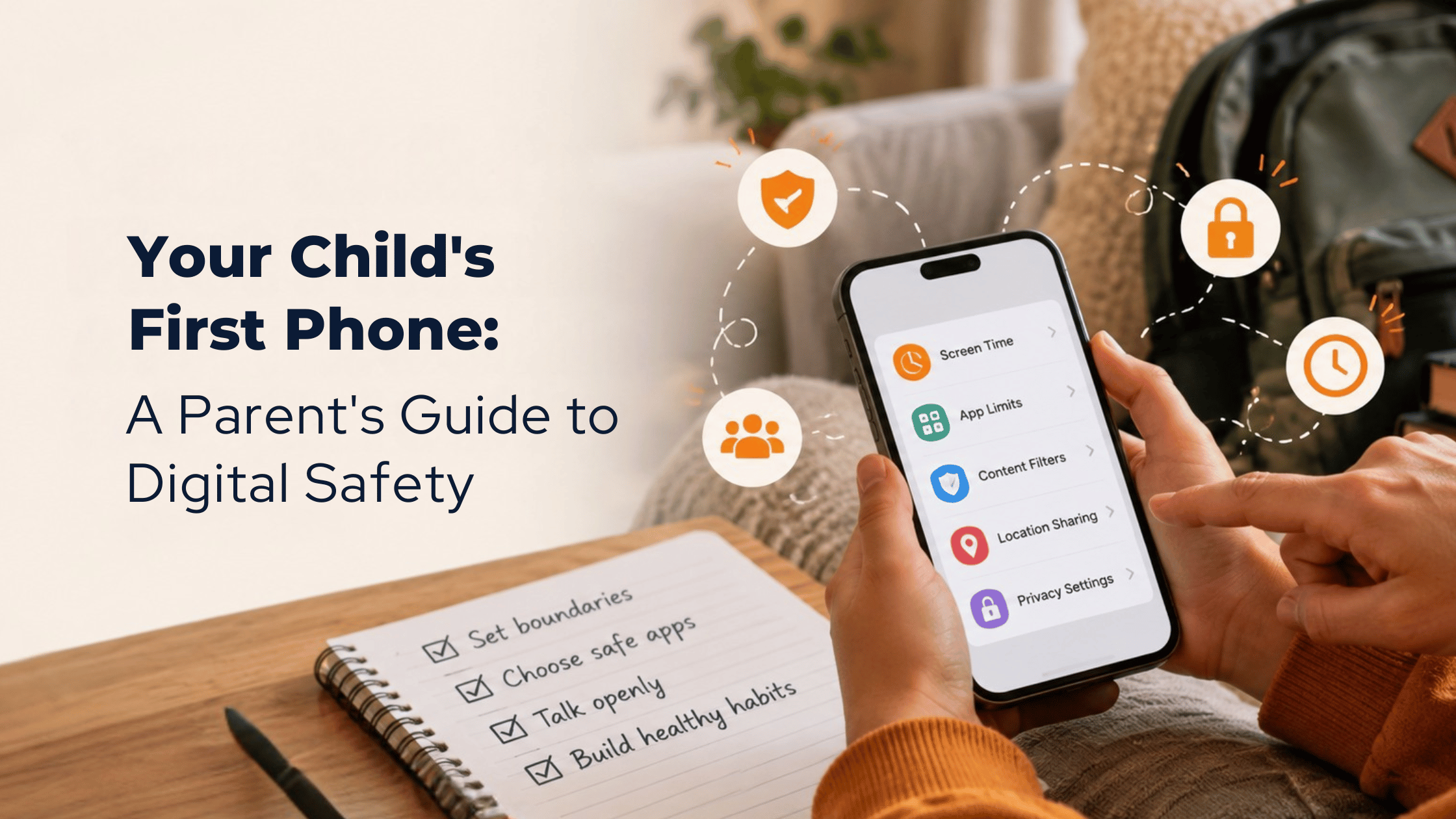
Your Child's First Phone: A Parent's Guide to Digital Safety
October 21, 2026
The first thing your child learns about their new phone shouldn't be how to unlock it.
It should be knowing what to do when something unexpected appears on the screen.
Imagine your child receiving a message from an unfamiliar number.
“Hi! Are you in my class?”
Would they reply? Ignore it? Ask you?
Now imagine a friend sharing an embarrassing photo in a group chat. Or an app asking for access to their location.
These are everyday situations that come with a first phone for kids.
And while setting up a phone takes minutes, learning how to use it responsibly takes time.
Your child's first phone isn't just a device. It's their introduction to making independent decisions in a digital world.
When is the right age for a child's first phone?
There isn't one perfect age.
Some children need a phone to coordinate school pickups or stay connected with family. Others may want one because their friends already have one.
According to Common Sense Media, the average age for children getting their first phone is around 11. But age alone doesn't determine readiness.
A better question is: Can your child handle the responsibilities that come with having a phone?
Before deciding, consider whether they can follow agreed-upon rules, ask for help when something feels confusing, respect other people's privacy, and manage time away from a screen.
You can also begin with a basic phone or a shared family device before introducing a smartphone.
First phone safety begins before the first download
Parents often start with parental controls, app restrictions, and screen time settings.
These are useful tools.
But first phone safety also depends on what children understand when parents aren't watching.
Before handing over the phone, talk through five everyday situations.
1. Someone they don't know sends a message
Explain that they don't need to respond to every message or accept every friend request. Show them how to block, report, and tell a trusted adult about unwanted contact.
2. An app asks for personal information
Discuss why names, school details, addresses, passwords, and live locations should be protected.
Practice checking app permissions together.
3. A friend shares something private
Talk about asking permission before forwarding photos, screenshots, or messages.
Being a good digital friend matters as much as protecting your own information.
4. Something online looks convincing
Show them how images, videos, and messages can be edited or AI-generated.
Encourage questions such as, “Who shared this?” and “How do we know it's real?”
5. Something makes them uncomfortable
Agree on what they can do next: stop responding, save relevant evidence when appropriate, block or report the account, and tell a trusted adult.
Most importantly, make it clear that asking for help is always welcome.
These conversations build digital safety skills for children that no single setting can teach.
Five phone rules every family can agree on
A long list of restrictions is difficult to remember.
Start with five clear phone rules for kids:
- Ask before downloading. Review new apps and their permissions together.
- Keep personal information private. Never share passwords, addresses, or location details with unfamiliar people.
- Check before sharing. Ask permission before posting someone else's photos or messages.
- Make time for life offline. Agree on phone-free moments for sleep, meals, schoolwork, and family time.
- Talk when something feels wrong. Children should know they can ask for help without feeling embarrassed.
Write these down together.
Revisit them as your child grows.
The goal isn't to create a perfect rulebook. It's to build understanding.
Try the first-phone practice test
Before giving your child their phone, spend ten minutes practicing a few situations.
Ask:
“A game asks for your location. What would you do?”
“Someone you don't know wants to chat. What happens next?”
“A friend asks you to share another child's photo. Is that okay?”
“You see a video that seems unbelievable. How could we check it?”
“Something online upsets you. Who could you talk to?”
Listen to their answers.
Then discuss what they could do differently.
You may discover that your child already understands some situations and needs guidance with others.
That's useful information for both of you.
The first-phone practice test isn't about passing or failing. It's about learning together.
Parental controls help. Conversations do more.
Built-in tools such as Apple's Screen Time and Google's Family Link can help families manage apps, screen time, purchases, and content access.
Set these up together and explain what each setting does.
But remember that online safety for kids cannot depend entirely on technology.
A child who understands why a setting matters is better prepared to make thoughtful choices when circumstances change.
And as they demonstrate responsibility, you can gradually adjust boundaries.
The goal is to build independence with guidance, not dependence on constant supervision.
Raising digitally confident children takes a community
Parents play an important role in family digital safety, but they don't have to navigate every new app, online trend, or technology question alone.
Caregivers, teachers, schools, and community organizations can help children practice internet safety, respectful communication, privacy awareness, and responsible technology use.
At EVERVELA, we believe digital learning should begin with real-life situations.
Our approach to digital safety, technology learning, and family education is built around helping people understand their choices and develop confidence at every stage of life.
Because giving a child their first phone is one milestone.
Helping them develop good judgment is something that continues long after.
The best first-phone gift isn't just the phone. It's knowing someone will help them learn how to use it well.
Start their digital journey together
Preparing for your child's first phone?
Explore EVERVELA's practical learning experiences for children, parents, caregivers, and schools.